We have cooperated with more than 10,000 schools in more than 60 countries around the world, making outstanding contributions to global STEM education. We integrate R&D, production and sales, providing professional teaching, training resources, and competition solutions.
✔
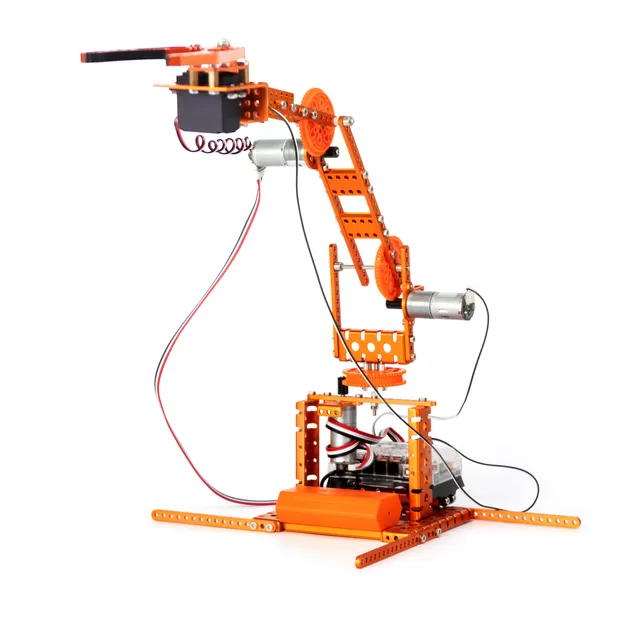
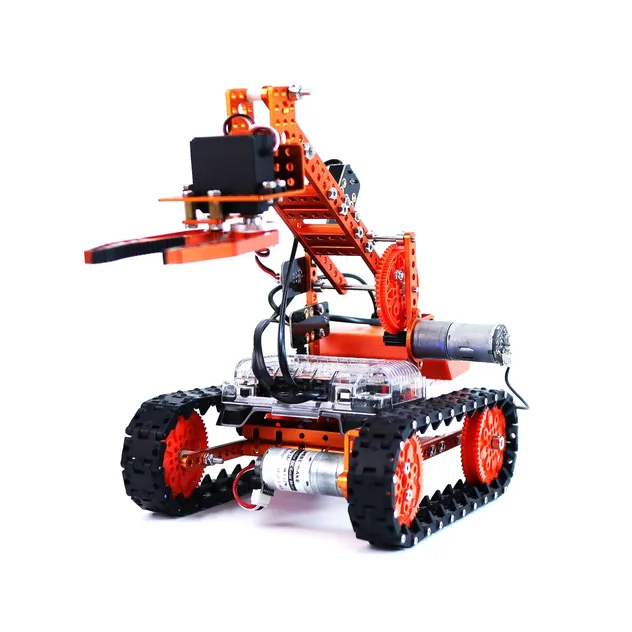
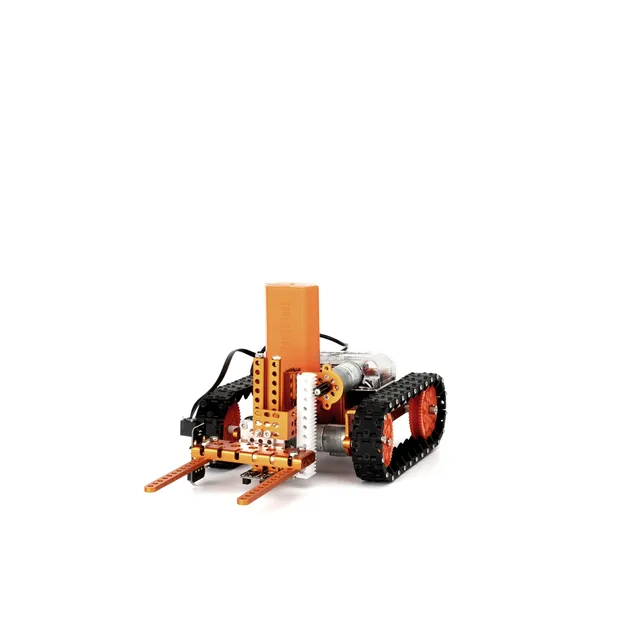
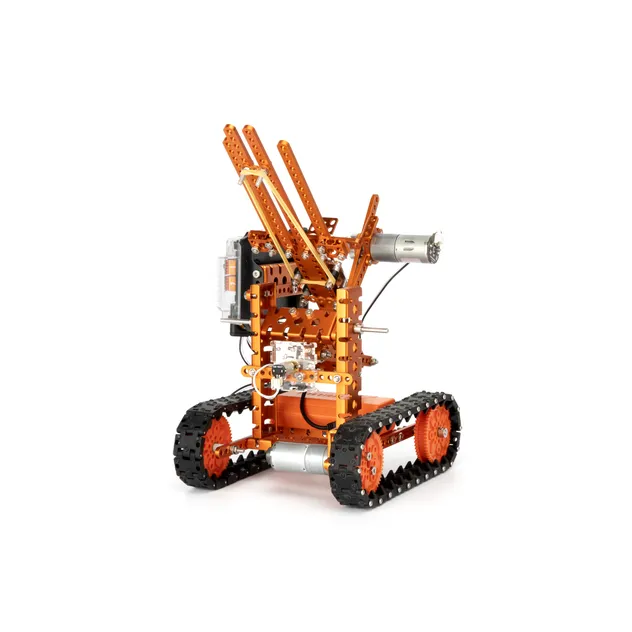
12 in 1 WeeeBot RobotStorm Kit
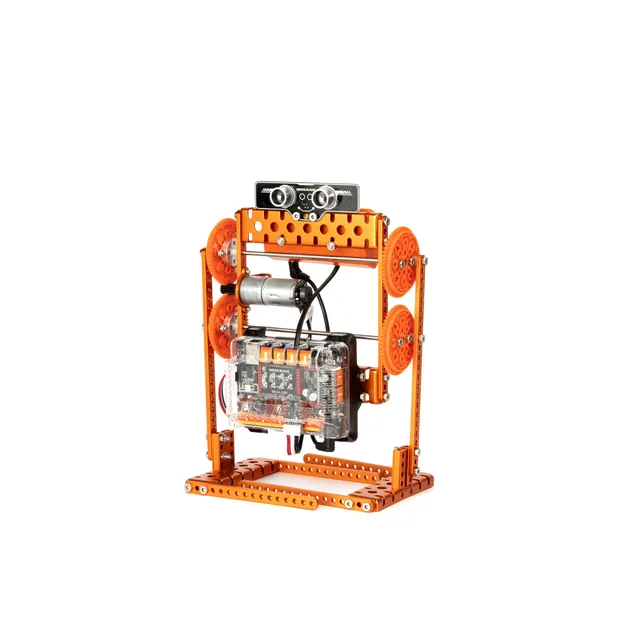
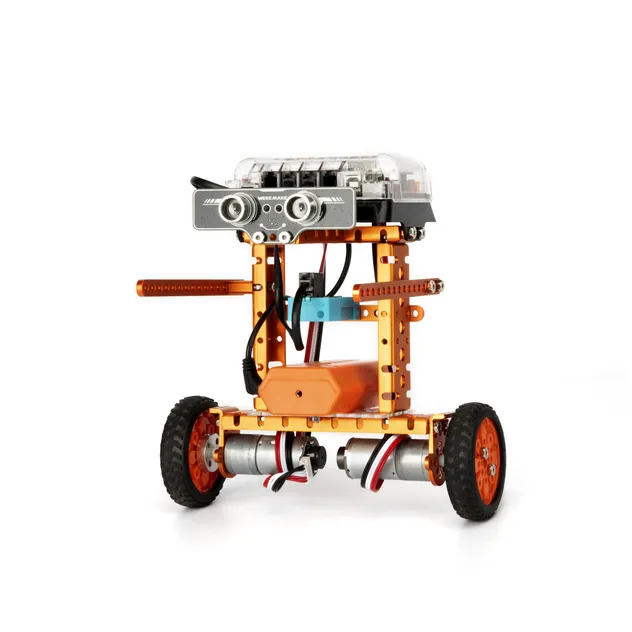
The 12-in-1 WeeeBot Robotstorm STEAM Robot Kit is a multi-functional DIY ultimate STEAM robot kit. It features more than 450 parts and contains 12+ cool pre-set forms. Whether you are a mechanical or electronics engineer, software engineer, teacher, or student, this kit allows you to easily learn robot-related mechanical structure, electronics, and programming knowledge.
Key Components: Heavy-duty mechanical parts (beams, plates, gears, grippers) and easy-to-use electronic modules (ELF mainboard, RGB ultrasonic sensor, Line-following sensor, gyroscope, and Bluetooth module).
◈
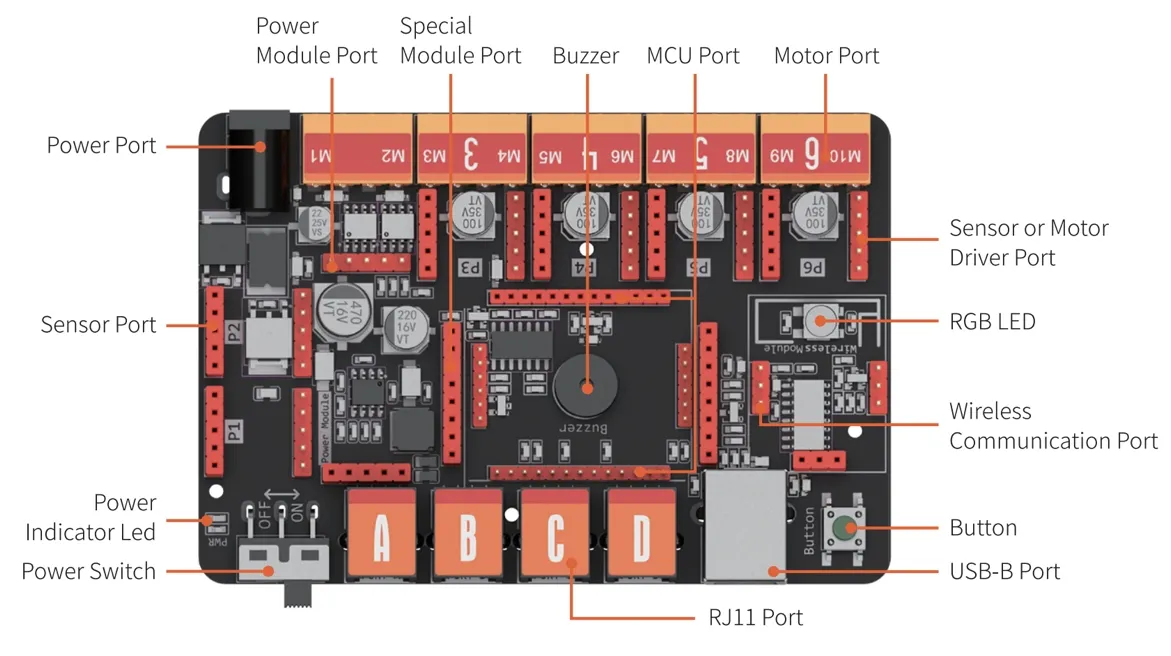
High-Performance ELF Mainboard
Designed for modular flexibility, the ELF mainboard features a replaceable microchip (ATMEGA-328P, ESP32) and standardized ports for easy sensor and motor integration.
?
Frequently Asked Questions
When I turn on the robot, there is no response. Why?
This usually indicates low voltage. Please recharge or replace your batteries. Also, verify that batteries are installed with correct polarity (+/-) and check the wiring on the motor/battery holder.
The robot moves backwards when I command it to move forward. How do I fix this?
The motor wiring is likely connected in reverse. Simply swap the motor connection leads to fix the direction.
How can I program my robot or restore factory settings?
Download the WeeeCode software, connect to your PC via USB, and select the correct serial port. Use the "Restore Firmware" menu to choose between Online, Factory, or Mobile firmware options.
Why can't the robot move when connected only via USB?
The USB power supply only provides enough current for the mainboard chip and sensors. To drive motors and servos, you must connect batteries and turn on the main power switch.
Why doesn't the Line-following Sensor work correctly?
Ensure the sensor is 1-2cm from the map. Avoid operating under strong ambient light, which can interfere with infrared sensors, and use non-reflective material for your custom tracks.
Do you offer customization or OEM/ODM services?
Yes, we offer professional customization services to meet specific project needs. Please contact our support team for detailed inquiries.
 Cart Toys